Beta v5
Runs entirely in your browser · your artwork never leaves your machine
About this tool
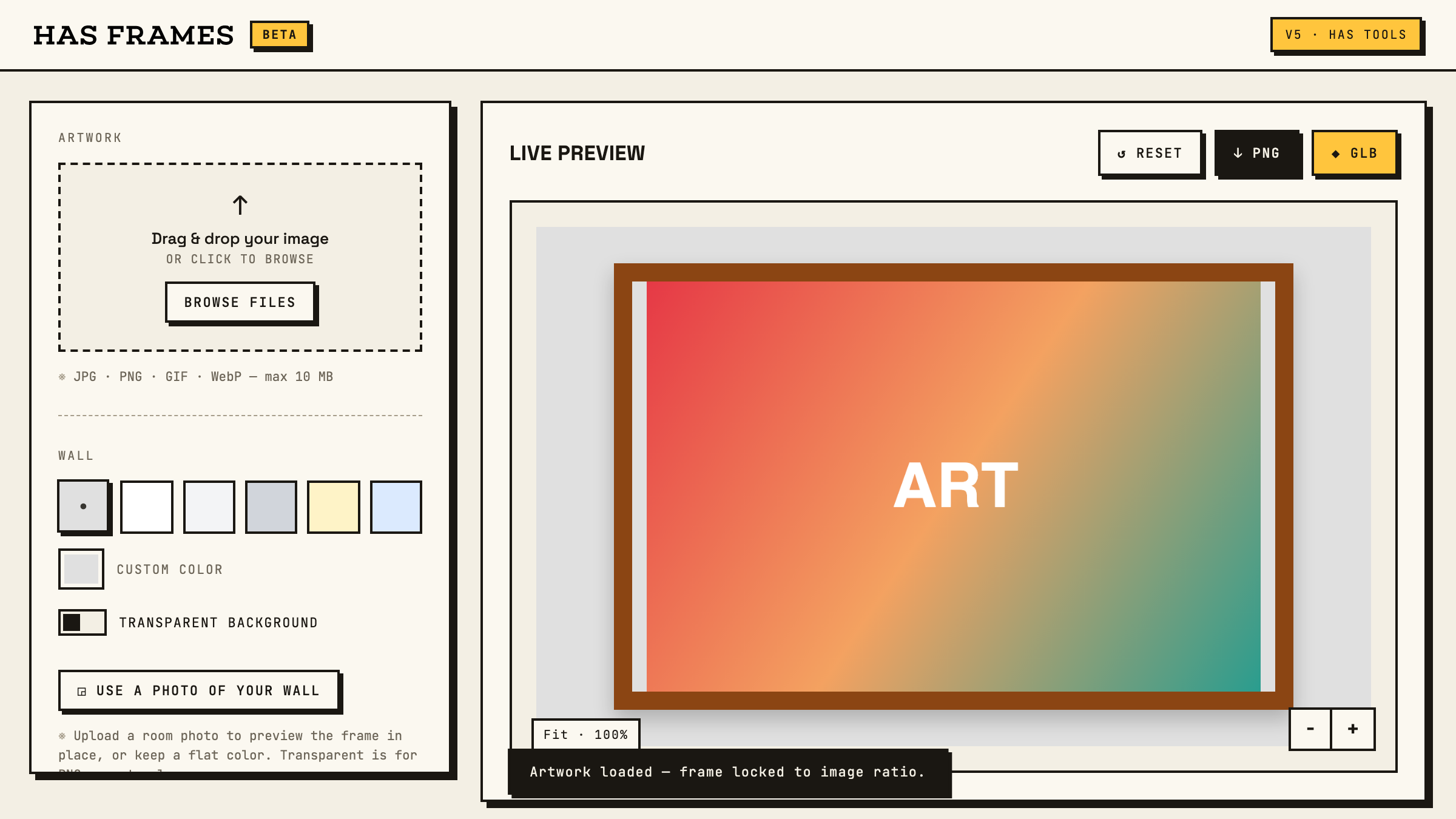
"Will it look right on the wall?" is the question every print, poster, and painting raises — and guessing from a phone screen is how art ends up too small over the sofa. HAS Frames answers it with real numbers: your artwork at true size, in a frame you configure, next to a person, sofa, or console for scale, on a flat color or a photo of your actual wall.
When it looks right, take it with you: a high-res PNG mockup for clients, or a GLB of the framed piece — real-world meters, artwork baked in as a texture — for 3D scenes in Cinema 4D, Blender, or Unreal.
How to use it
- Drop in your artwork — the frame locks to its aspect ratio automatically.
- Set the real print size in inches or centimeters, or grab a standard quick size.
- Pick a frame style and mat, and set the wall to a color or a photo of your own room.
- Toggle a scale reference — person, sofa, or console — to sanity-check the size.
- Export: PNG for a client-ready mockup, GLB for a 3D-ready framed prop.